

Some sites, like Chaz.Art and TheVault.Art, let you sign in with SolPersona. When you do, they can read your profile, so your name, picture and work appear there without typing them again. You choose exactly what each one may see when you first connect.
About 1 minute
See what's connected
Step 1: Open Connected applications
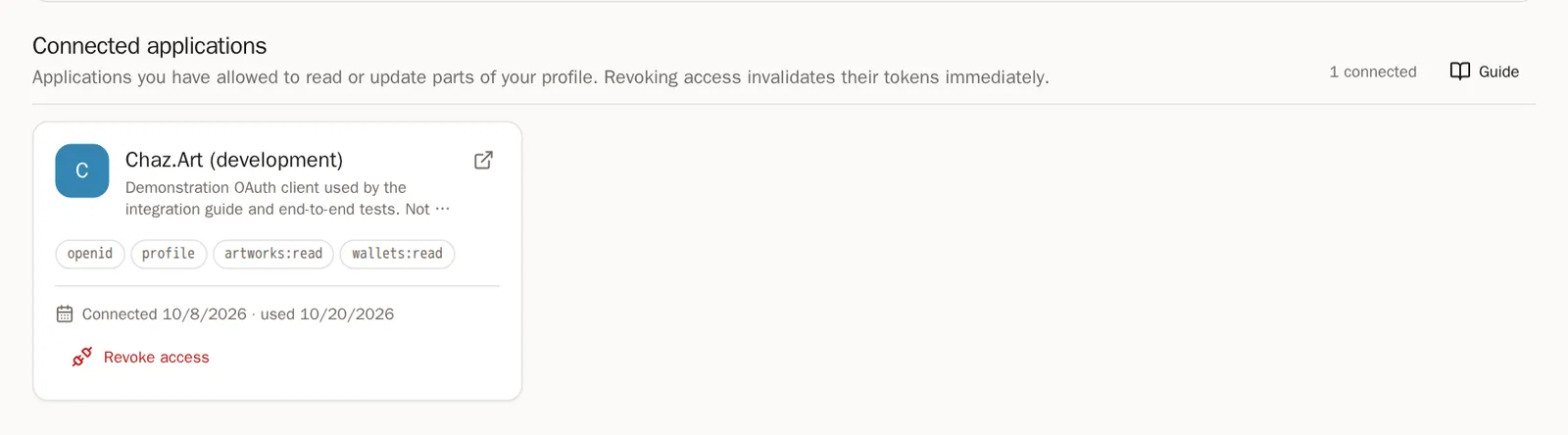
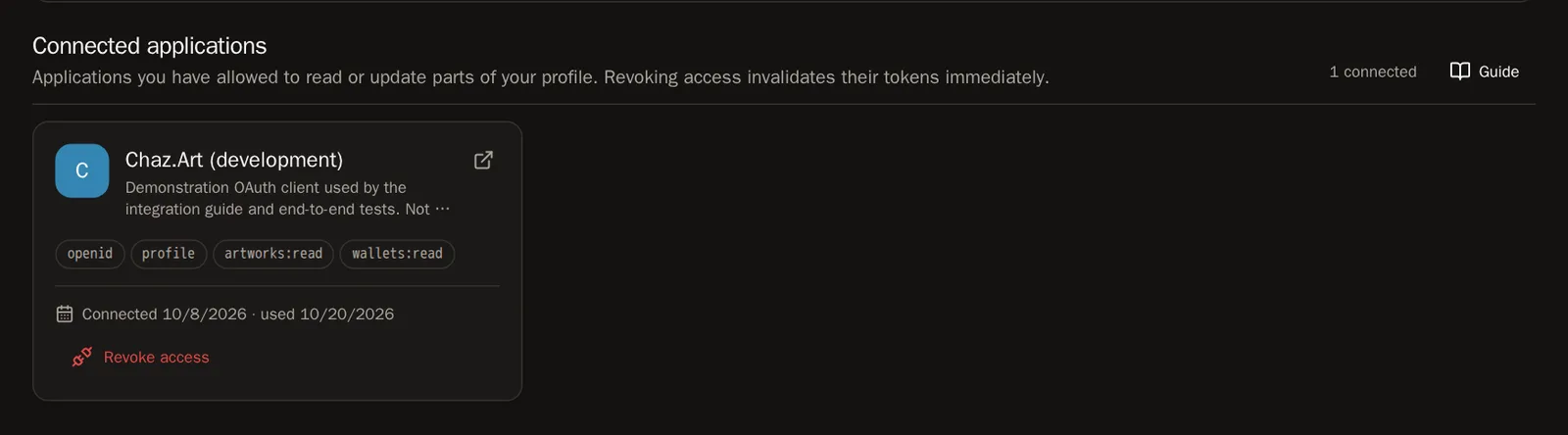
In the menu, choose Settings, then Apps. Each app shows what you allowed it to do, when you connected it and when it was last used.
Remove an app
Step 2: Revoke access
Press Revoke access on the app, then Revoke access again to confirm. It's signed out immediately and can't read your profile any more.
Good to know Artwork an app already added to your page stays. You can remove it yourself from the wallet it's filed under.
Questions people ask
Can a connected app move my wallets or artwork?
No. An app can never link or remove wallets, upload files, or change how your page is arranged. Those are always yours.