

Your page always lives at solpersona.com/@yourname. You can also give it an address of your own — and on your own domain, the SolPersona header disappears, so it's simply your website.
You don't need to know anything technical. You'll copy two or three lines from SolPersona into your domain company's website, exactly as shown.
About 10 minutes, plus waiting for DNS
Before you start
- A confirmed email address.
- For a custom domain: a domain you've bought (for example from Namecheap, GoDaddy, Cloudflare or Google), and your login for that company's website.
Your free SolPersona address
Step 1: It's already working
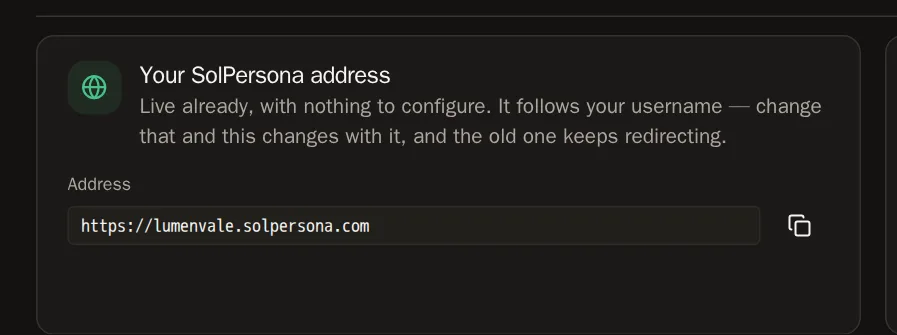
In the menu, choose Settings, then Domains. Under Your SolPersona address you'll see something like
https://yourname.solpersona.com. It's live already — press the copy button and share it.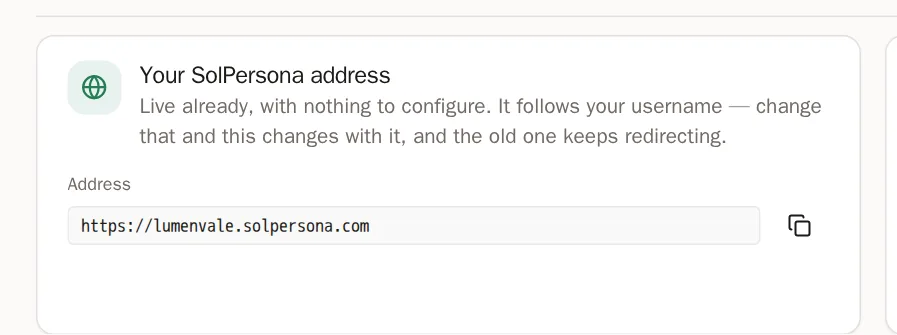
Connect a domain you own
Step 2: Add your domain
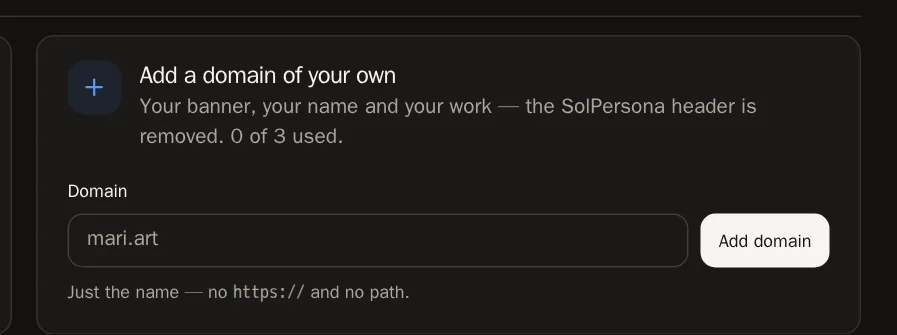
Under Add a domain of your own, type your domain — just the name, like
mari.art, with no https:// — and press Add domain.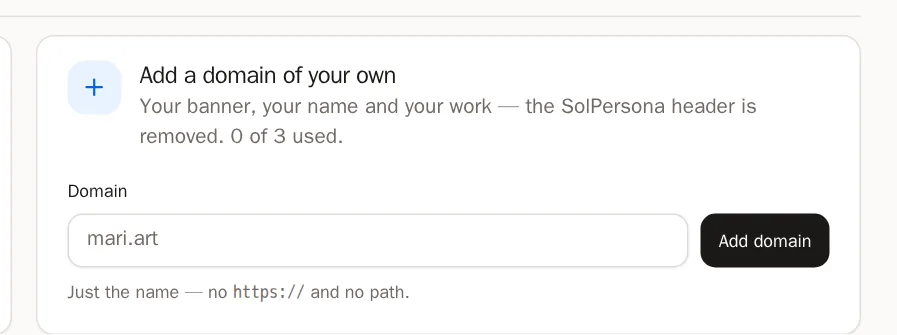
 You'll know it worked when… You see Domain added. Now add the DNS records shown.
Step 3: Copy the records to your domain company
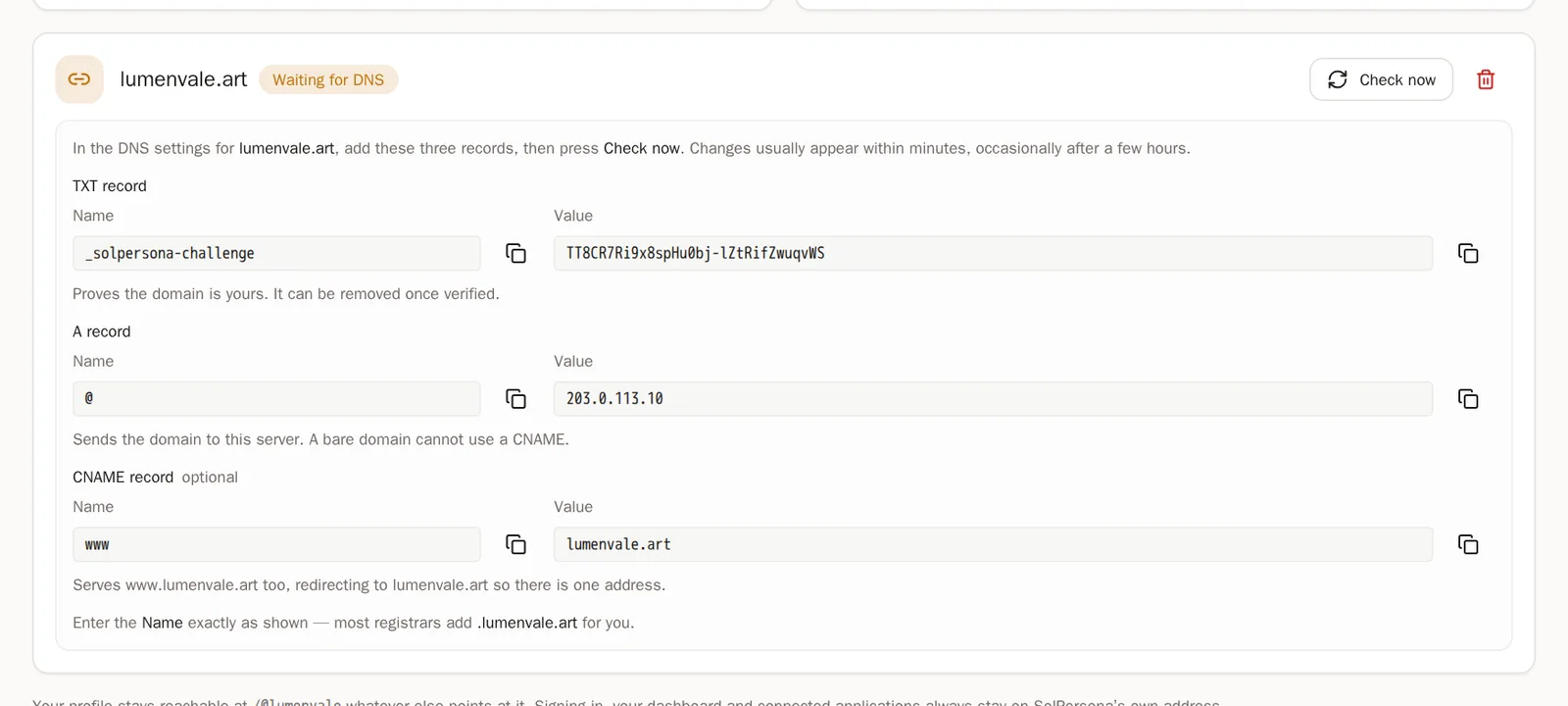
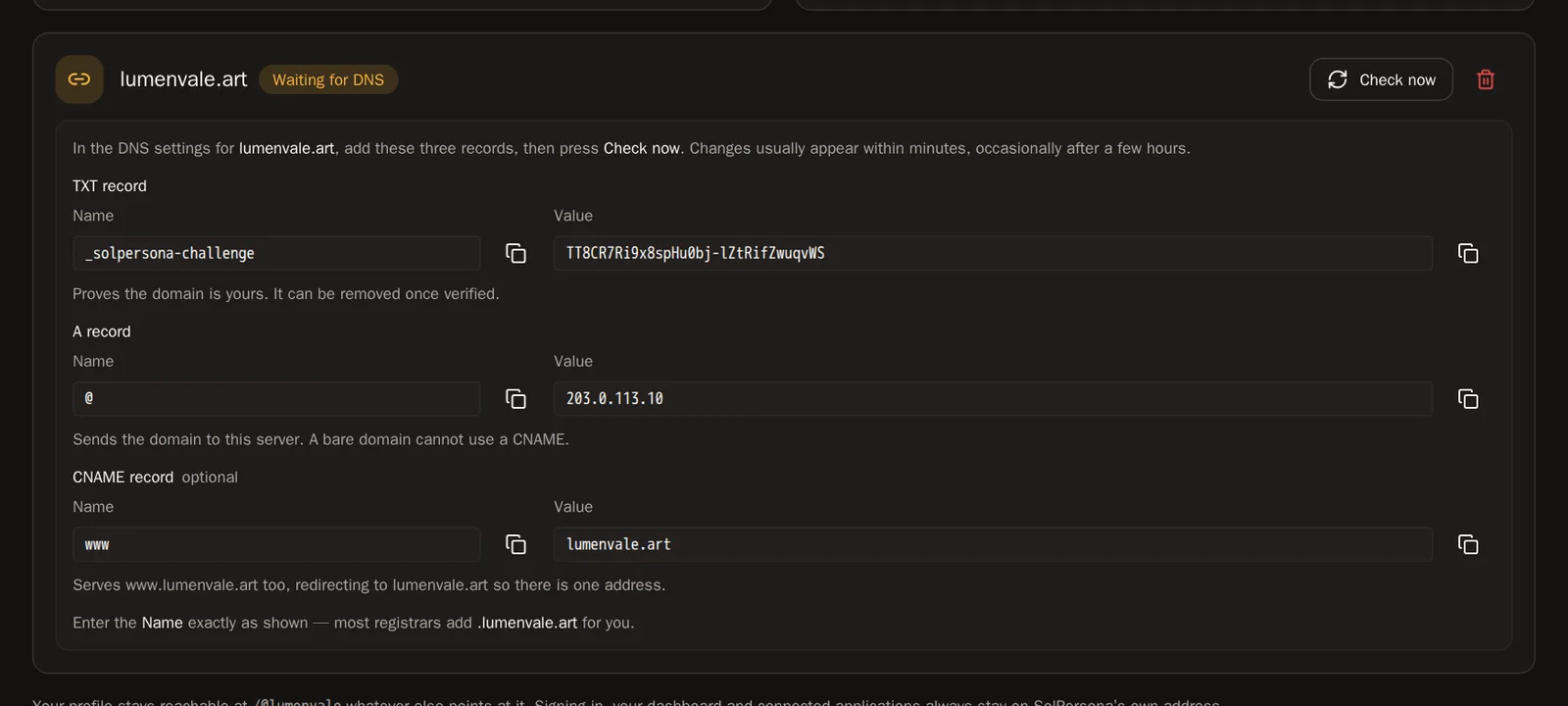
SolPersona now shows two or three records. Each one has a Type, a Name and a Value. In another browser tab, sign in to the company you bought the domain from and find DNS settings (sometimes called DNS records, Advanced DNS or Manage DNS). For each record:
- Press Add record (or Add new record).
- Choose the same Type — TXT, A or CNAME.
- Copy the Name from SolPersona and paste it exactly as shown.
- Copy the Value from SolPersona and paste it.
- Save the record.
mari.artWaiting for DNSTXT recordName: _solpersona-challengeValue: sp-verify-8f2c…A recordName: @Value: 203.0.113.10Check nowYour domain company · DNS settingsTypeNameValueTXT_solpersona-challengesp-verify-8f2c…A@203.0.113.10+ Add recordSolPersona shows the recordsGood to know Paste the Name exactly as SolPersona shows it, for example_solpersona-challengeor@. Your domain company adds the rest of the domain by itself.Step 4: Press Check now
Back on SolPersona, press Check now. Changes usually show up within minutes, but sometimes take a few hours. If it doesn't work straight away, wait a little and press it again.
 You'll know it worked when… Your domain says Live. The first visit can take a few seconds while your secure certificate is made.
Questions people ask
Do I need the www record?
It's optional. Add it so that people who type www.yourdomain still reach your page.
It says "No TXT record found"
Either the record hasn't spread yet — wait and try again — or the Name was pasted with the domain added twice. Check it reads exactly _solpersona-challenge.
How many domains can I connect?
Up to three of your own, plus your free SolPersona address.