

Stuck on something these guides don't cover? Our support team is made of real people, and most requests hear back within a working day. You don't even need to be signed in.
About 2 minutes
Send a request
Step 1: Open the help centre
Go to Help & support — it's linked at the bottom of every page — and press Start a request.
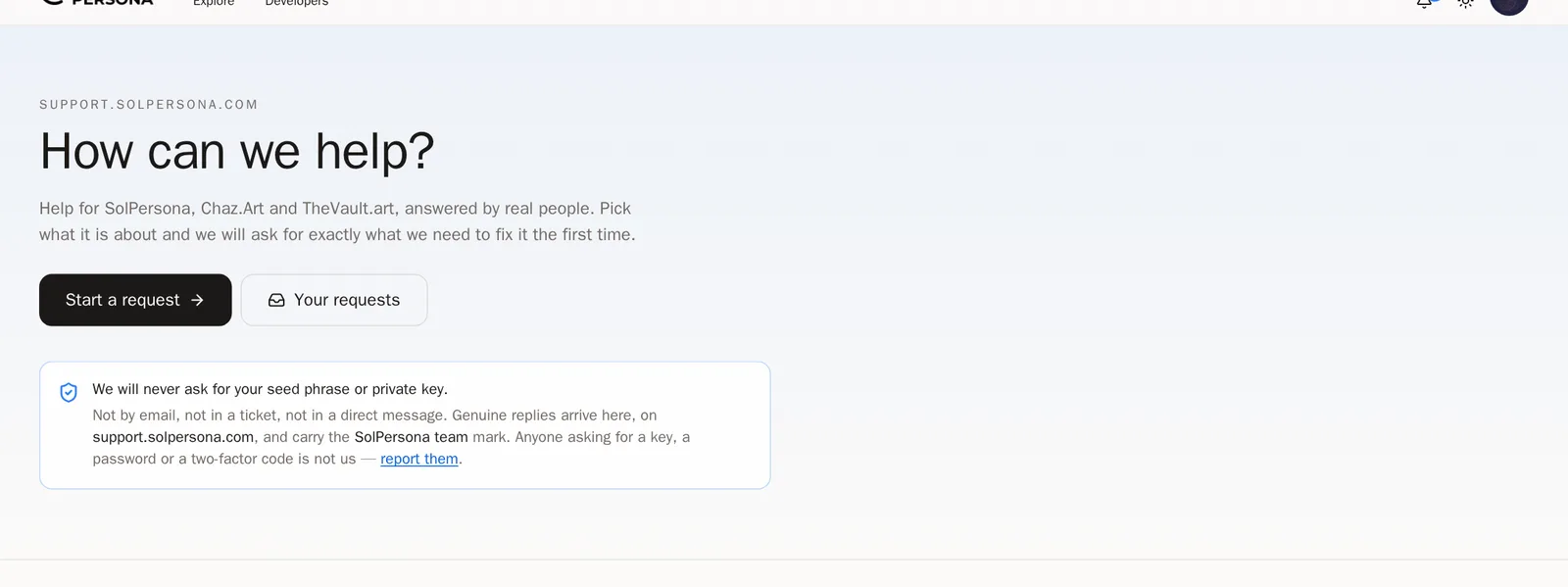
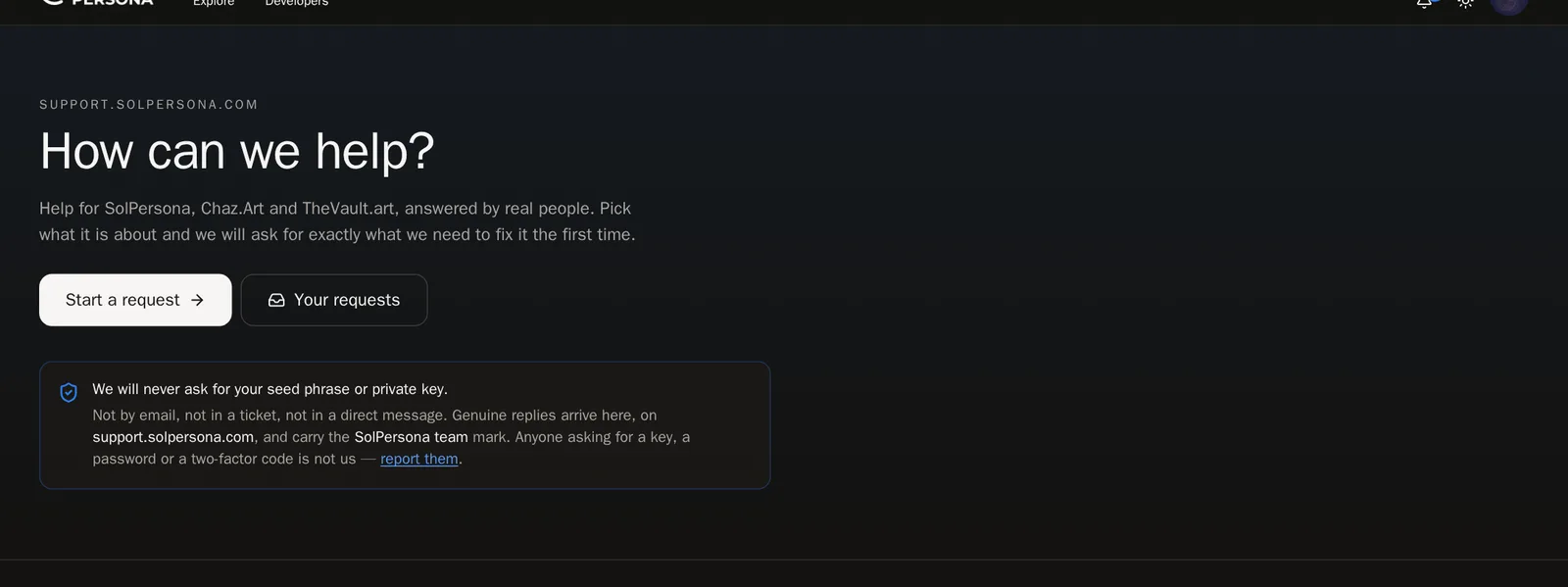
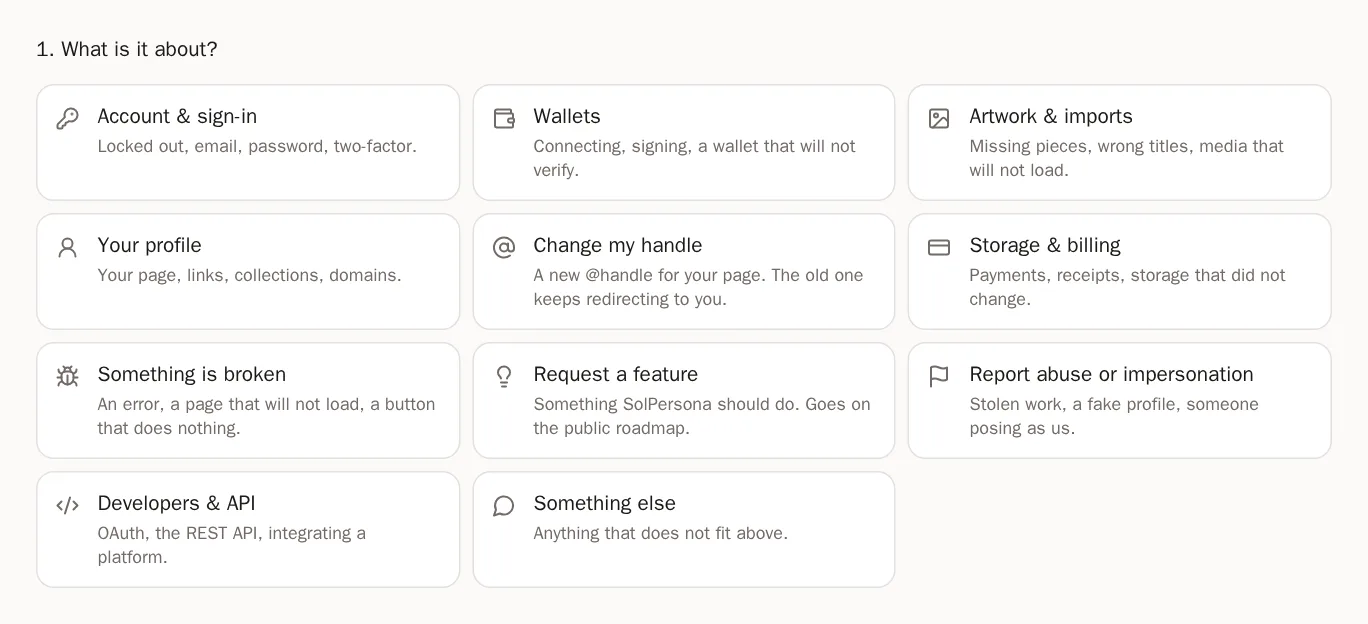
Step 2: Choose the topic
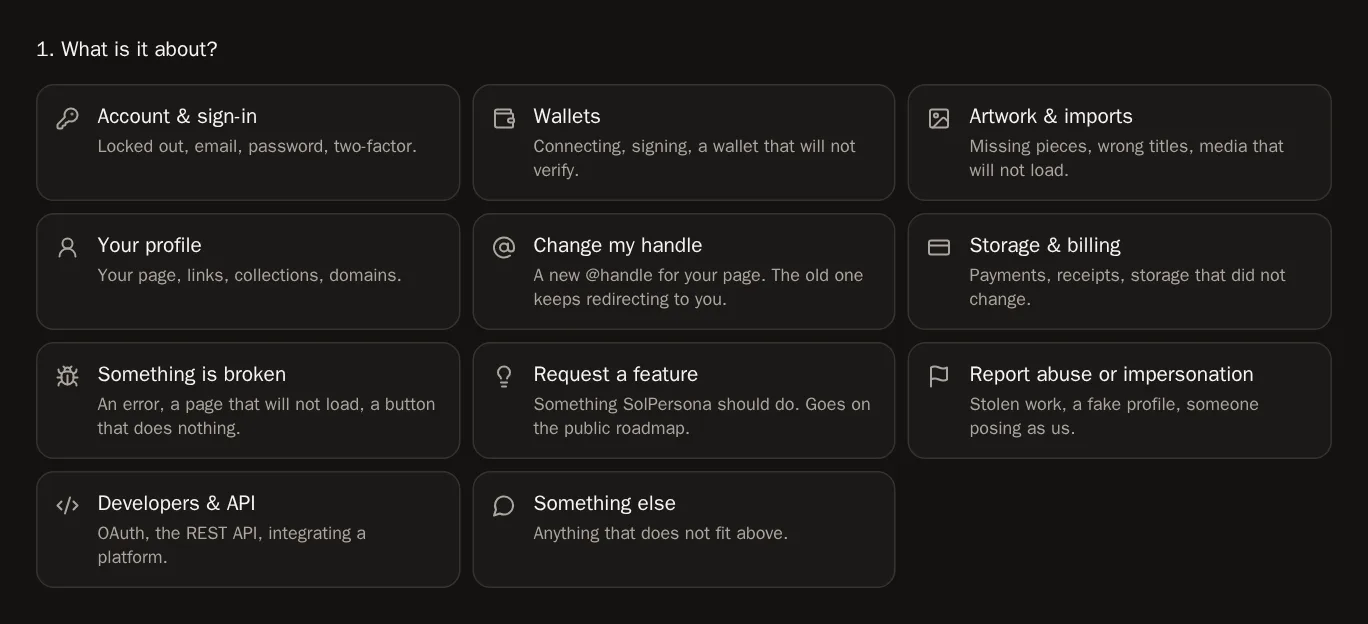
Pick what it's about, such as Account & sign-in, Wallets, Artwork & imports or Something is broken. We then ask exactly what we need to help you the first time.
Step 3: Tell us more
Write a short Subject and describe What is happening. Screenshots help a lot — press Add images or paste one. Then press Send to support.
You'll know it worked when… You see Request is with our team. We email you when we reply.Careful Never send your wallet's recovery phrase or private key — not to us, not to anyone. We will never ask for it.Step 4: Follow your request
Signed in? Press Your requests in the help centre to see replies and write back.
Other things you can ask for
Step 5: A new handle
Choose Change my handle and tell us the handle you'd like. Your old address keeps sending people to your page.
Step 6: An idea for SolPersona
Choose Request a feature. You can also see what we're working on in the Roadmap.