

Not all art lives on a blockchain. Studio work is where you record the physical pieces: paintings, prints, sculpture, ceramics — anything you can hold.
Everything you add is private until you choose to show it, so you can keep a full record of your studio for yourself and publish only what you want.
About 5 minutes per piece
Before you start
- A good photograph of the piece. More photos (the detail, the signature, the back) are welcome but optional.
Add a piece
Step 1: Open In Real Life
In the menu on the left, choose In Real Life. You are on the Studio work tab. Press Add work.


Step 2: Describe the piece
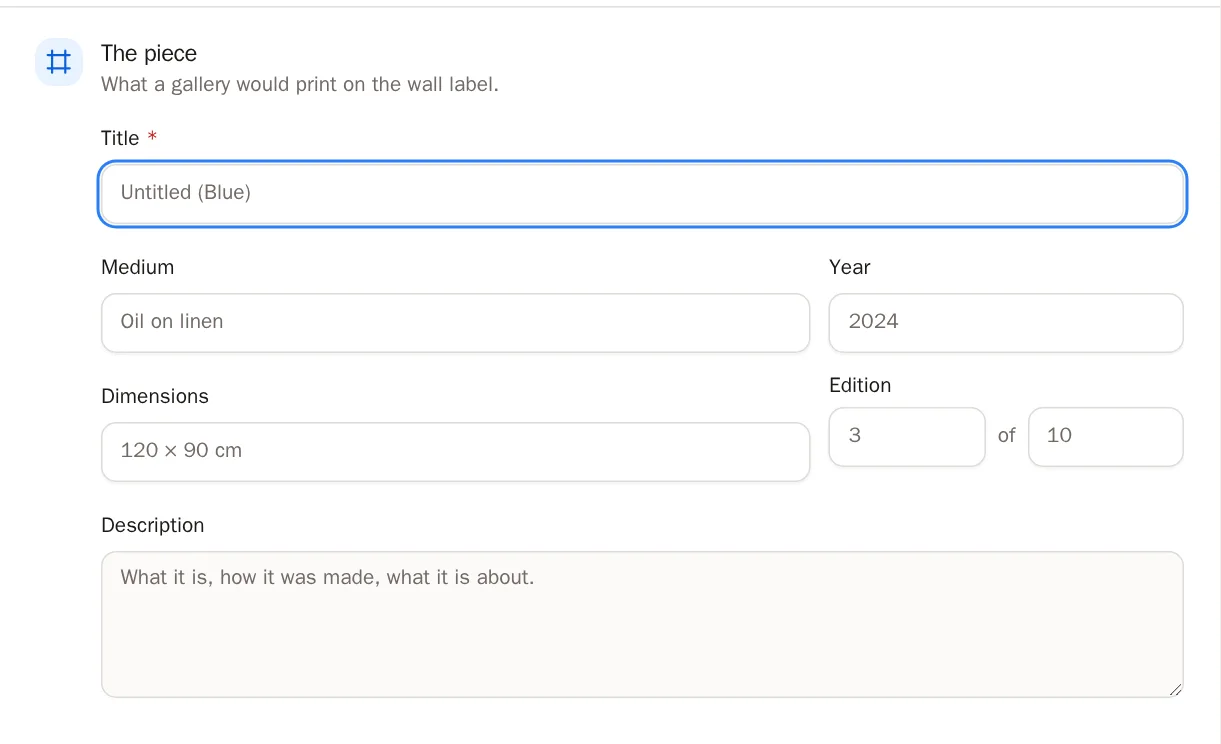
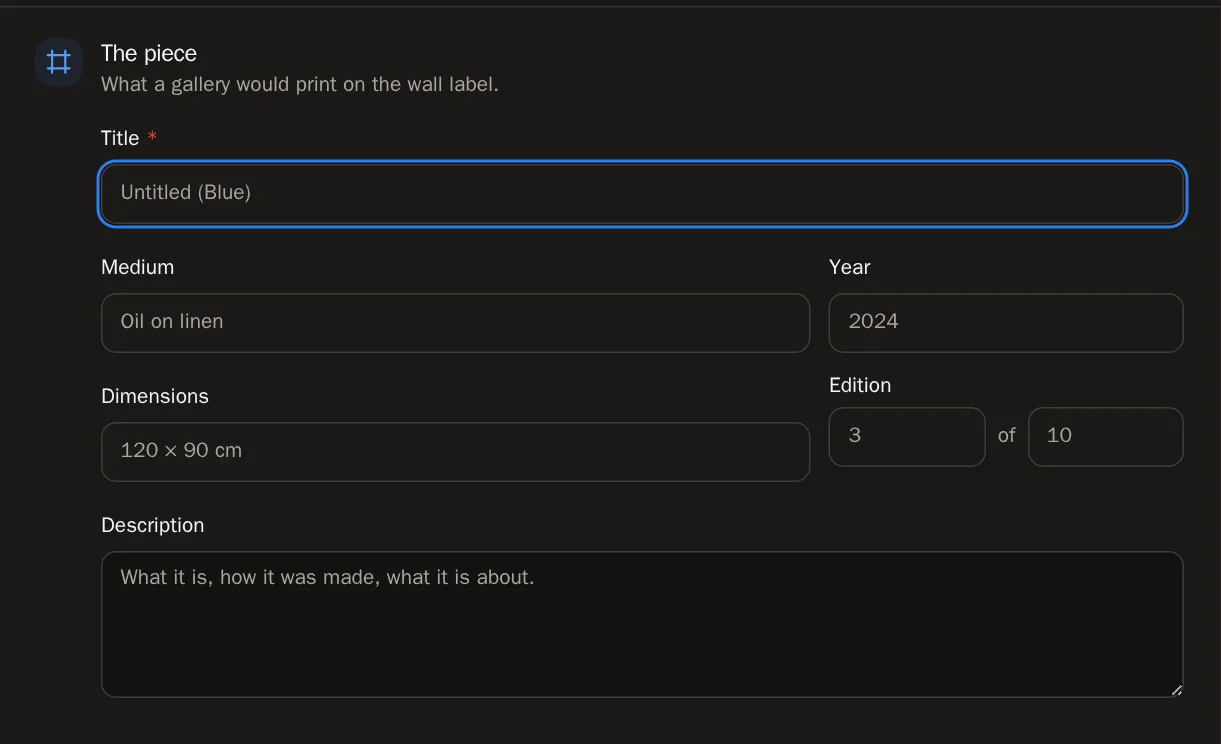
The window has sections down the side. Start with The piece — it's what a gallery would print on the wall label.
- Type the Title. It is the only thing you must fill in.
- If you like, add the Medium (for example Oil on linen), the Year and the Dimensions.
- For a print, fill in Edition — for example 3 of 10.
- Add a Description if you want to say more.
 Tip Don't know everything yet? Save what you have. You can come back and fill in the rest later.
Step 3: Add photographs
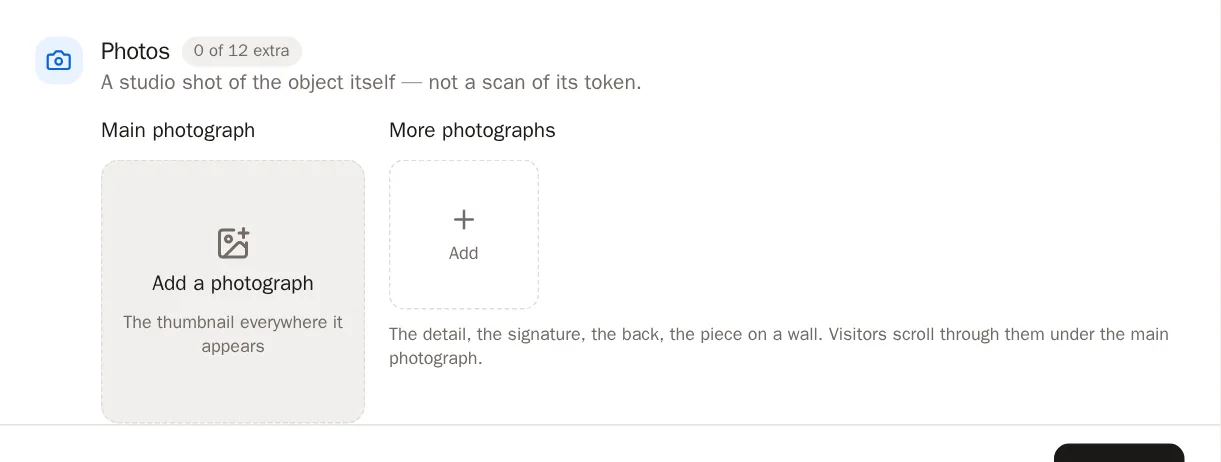
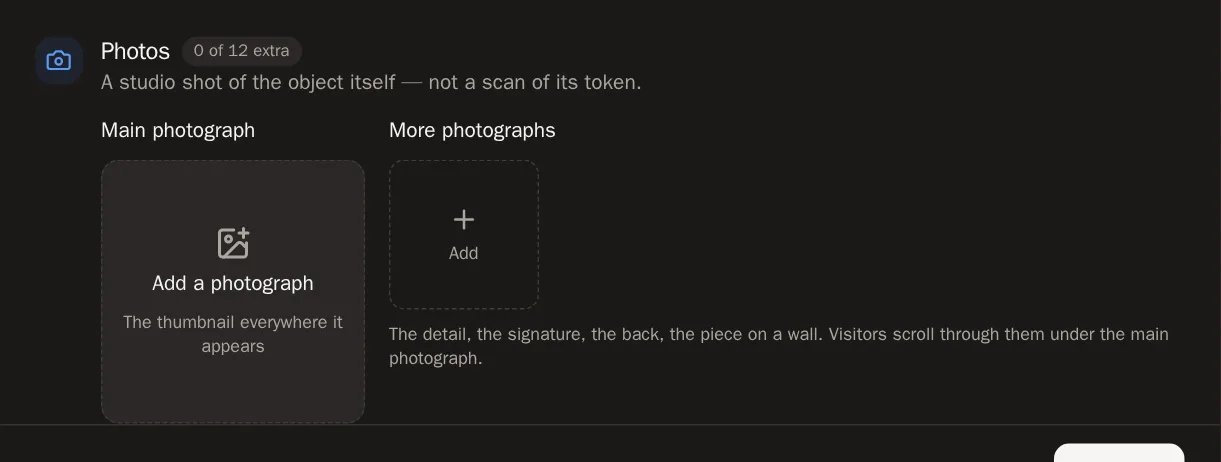
In Photos, press Add a photograph to choose the main picture. It's the picture people see everywhere the piece appears.
Then add up to 12 more under More photographs — the detail, the signature, the back, the piece hanging on a wall. Visitors can flip through them and zoom in.
Step 4: Say where it stands
In Availability & price, choose one:
- Available — for sale now. If you add a price, it shows on your page.
- Not for sale — you're keeping it, or not offering it.
- Sold — it has gone to a collector.
- On loan — it's away at a show or a gallery.

 Good to know Leave the price empty and your page says Price on request — a normal thing for a gallery to say. Choose the currency from the list. Add a link in Enquiries go to so buyers know where to ask. SolPersona never handles the sale itself.
Step 5: Link it to its token (optional)
If this piece was also minted as an NFT, open Minted as and press Link to a minted piece. Choose the token. Each page will then link to the other.
Step 6: Keep a sale record (private)
Sale history is your own notebook. Press Add a sale for each sale — the date, the price, the buyer, where it happened. This is never shown to anyone.
Step 7: Save it
Press Add work at the bottom of the window.
You'll know it worked when… You see Work added, and the piece appears in your studio grid.
Show it on your page
Step 8: Make it public
A new piece is private. To show it, open the piece and, in On your profile, switch on Show this work on my profile. Then press Save changes.
Or press the eye button on its tile in the grid — it switches between shown and private in one press.
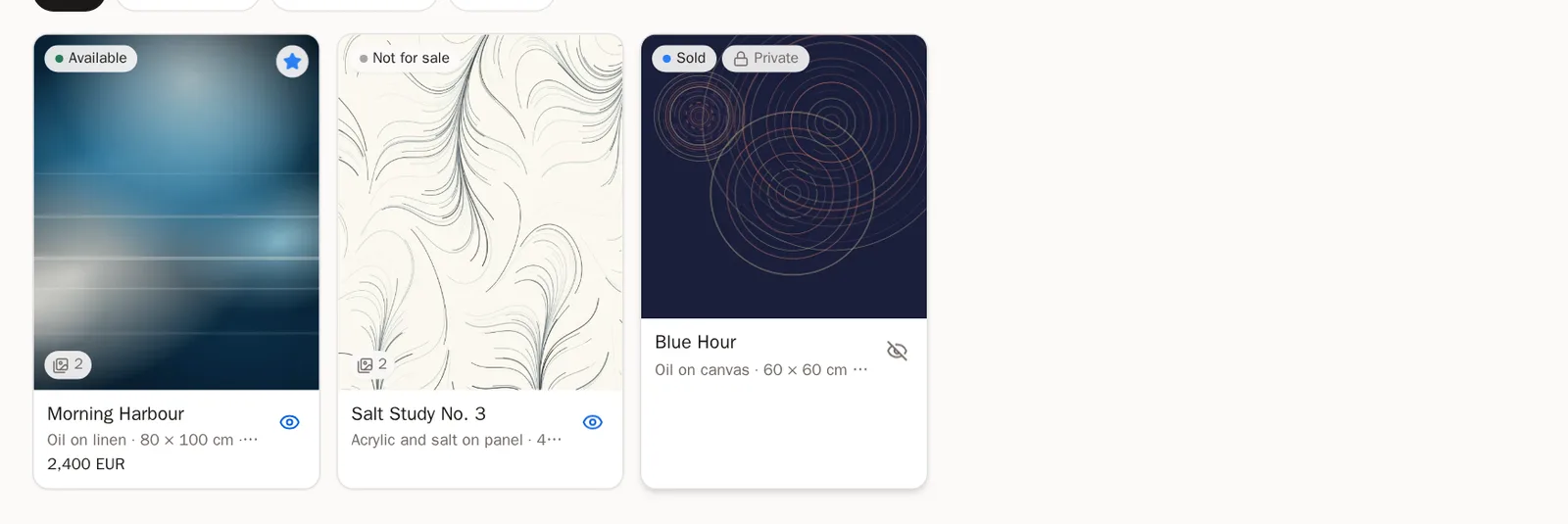
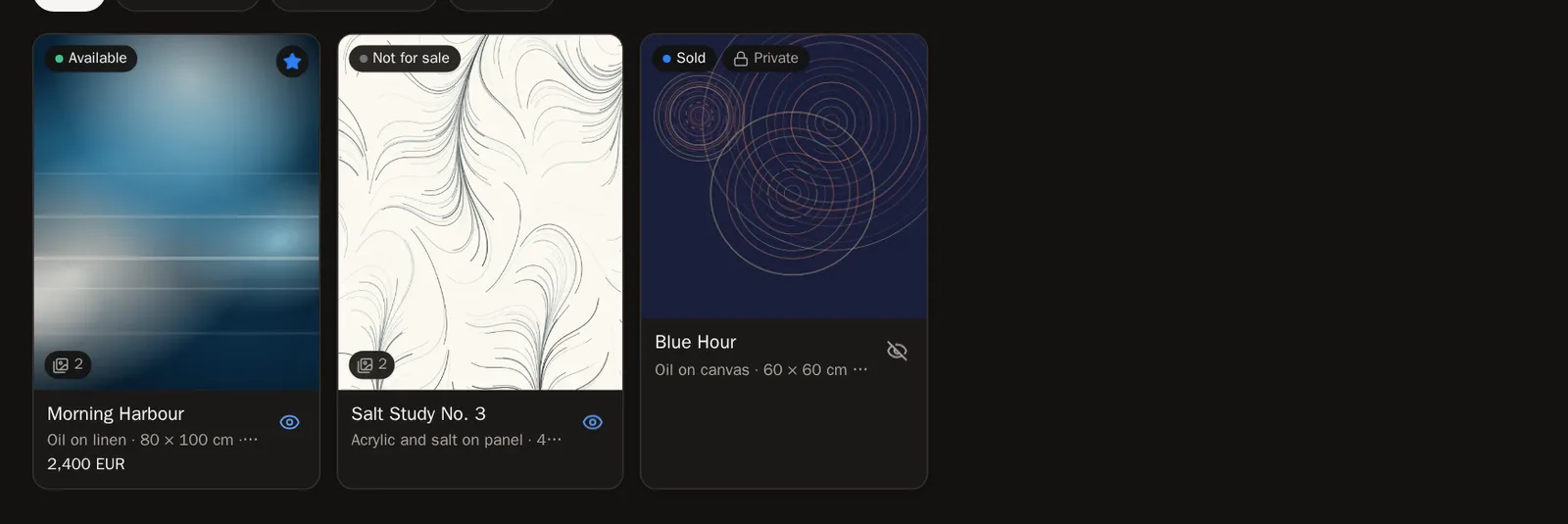 You'll know it worked when… A message says the piece is on your profile.
Step 9: Feature it
Once the piece is public, you can also switch on Feature this work. Featured work leads your page.
Step 10: Put it in a collection or a show
Studio work can sit in your collections right next to your tokens, and in your exhibitions.
Find and change a piece
Step 11: Filter and search
Press a chip above the grid — Available, Not for sale, Sold or On loan — to see only those pieces. Once you have nine or more, a Search studio work box appears too.
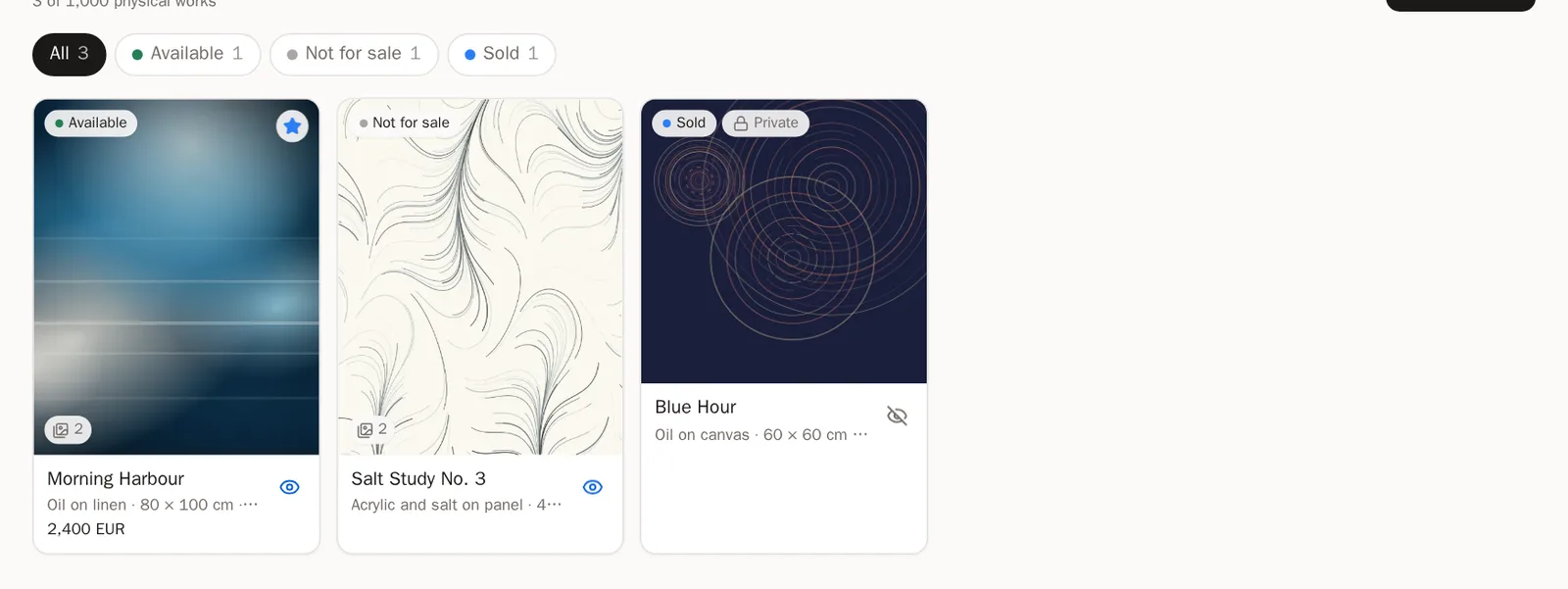
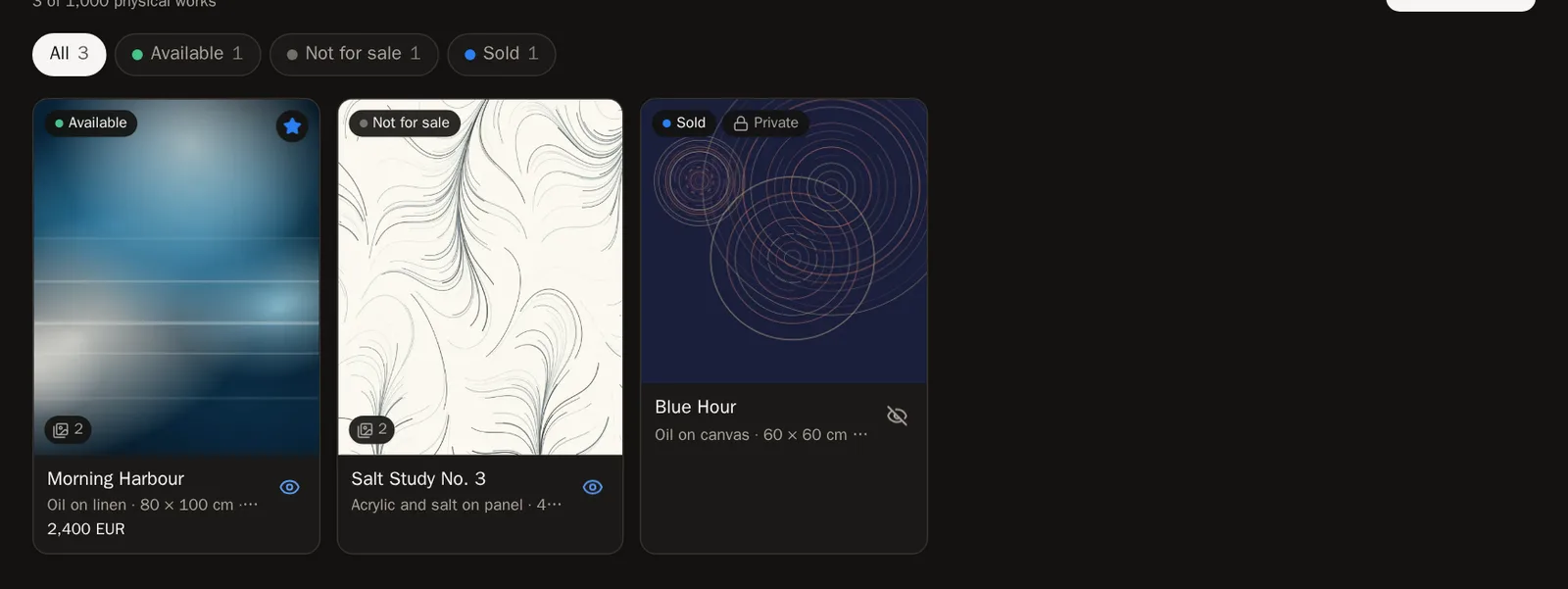
Step 12: Edit or delete
Press a piece's title to open it. Change anything, then press Save changes.
To remove it, press Delete, then Delete this work for good.
Careful Deleting a studio piece cannot be undone.
Questions people ask
Will visitors see who bought my work?
Never. Visitors only see that a piece is Sold (and the price, if you entered one). The buyer and your sale history stay private.
How many pieces can I record?
Up to 1,000 studio pieces, each with a main photo and 12 more.