

Your dashboard is the private side of SolPersona — the place where you build and look after your public page. Only you can see it.
This guide is a quick tour, so you know where everything lives.
About 2 minutes
The menu
Step 1: Everything is in the menu on the left
Each row opens one part of your page:
- Overview — this home screen.
- Profile — your name, pictures, About text and page design.
- Links — your social and marketplace links.
- Wallets — connect wallets and bring in the work you minted and collected.
- Collections — group your work and choose your featured pieces.
- In Real Life — studio work and exhibitions.
- Gallery Exhibition — show your art on TVs and screens.
- Settings — storage, domains, connected apps and security.
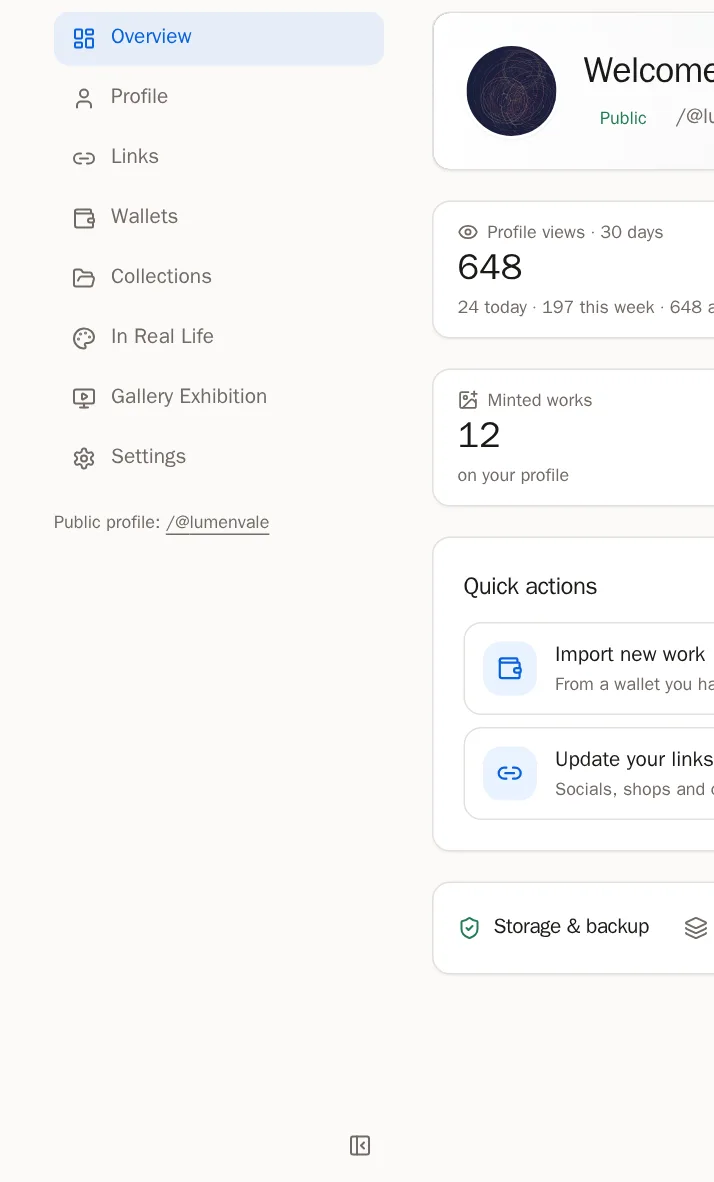
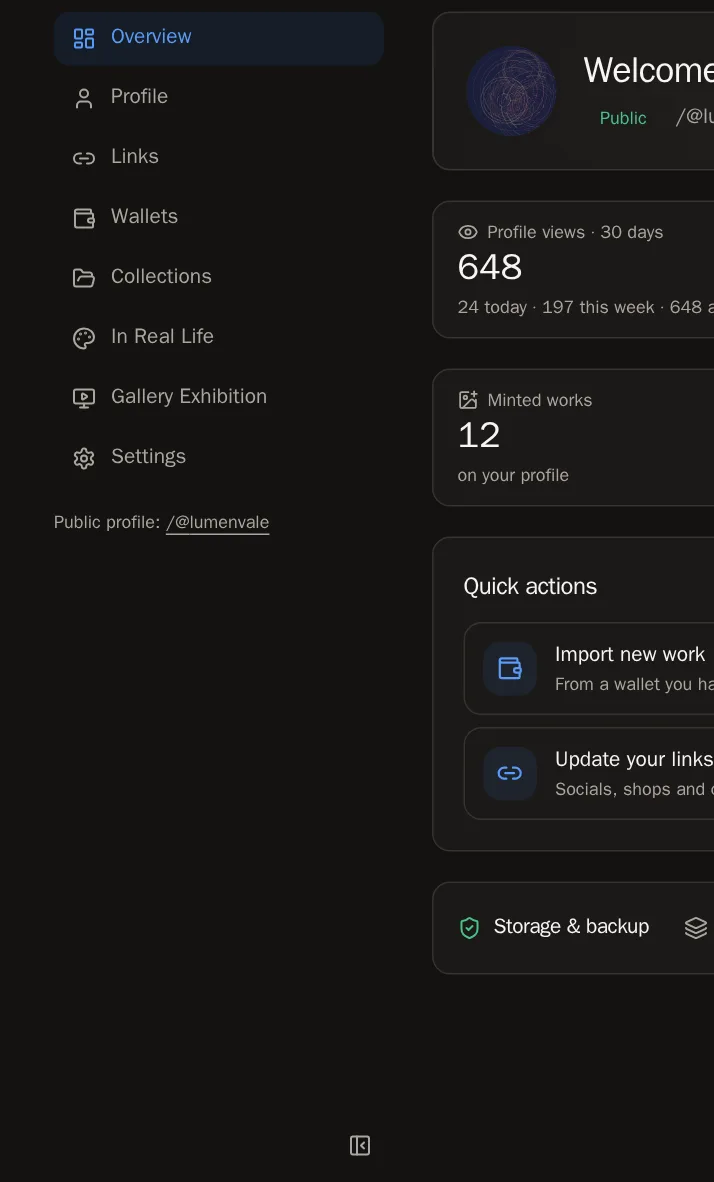 Tip Want more room? Press the small button at the bottom of the menu to fold it down to icons. On a phone, the menu is a row across the top of the screen.
Step 2: Help is on every page
Every page in your dashboard has a Guide button at the top. Press it and the step-by-step guide for that page slides out beside it, in your language, so you can follow along without leaving.


Your home screen
Step 3: Your welcome banner
At the top you see your banner, your picture and your page's address. Press Edit profile to change them, or View profile to see your page the way visitors do.


Step 4: Finish your page
Until your page is complete, a checklist called Finish your page shows what is left. Press any step to go straight there:
- Add a display name and bio
- Upload a profile picture
- Add a banner image
- Verify a wallet
- Add a social or contact link
- Import your work from a wallet
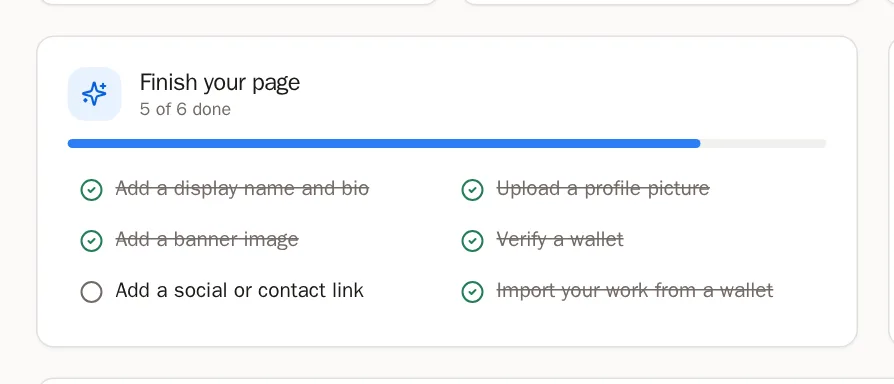
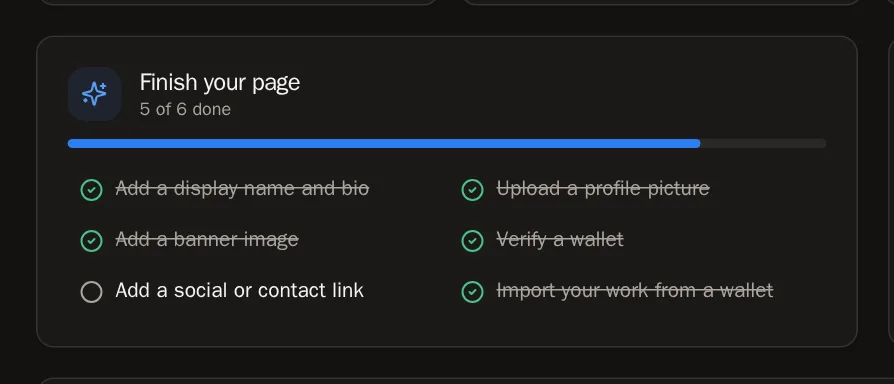 You'll know it worked when… When all six are done, the checklist turns into Quick actions — shortcuts to the things you'll do most.
Step 5: Your reach
Profile views shows how many people visited your page in the last 30 days. Your own visits never count.
Press the Followers or Following tile to see the people. You can follow someone back right there.


Step 6: Your page at a glance
Four tiles count your Minted works, what you've Collected, your Collections and your In Real Life work. Press a tile to go to that page.


Step 7: Storage
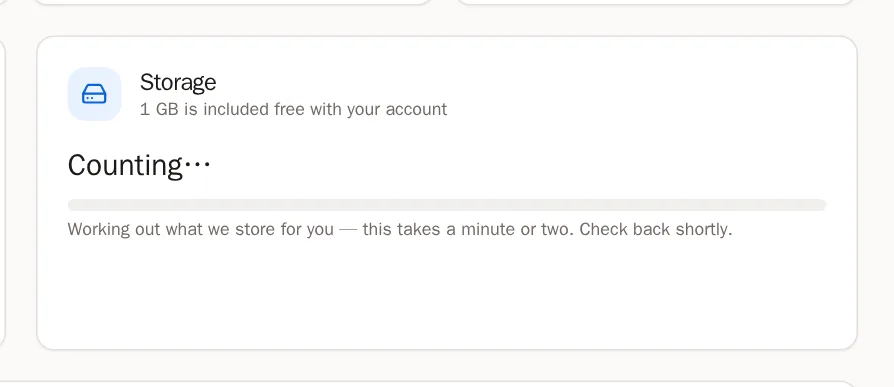
The Storage card shows how much space your artwork uses. Every account gets free storage. If you ever need more, the Storage guide explains how to add it.
When something needs you
Step 8: Confirm your email
If you see Confirm your email address, open the email we sent you and press the link inside. Check your spam folder if you can't find it. Confirming your email unlocks every feature.
Step 9: Artwork with missing files
Sometimes the place where an artwork's file is stored doesn't answer. Those pieces are listed under Artwork tokens with missing media and are hidden from your page until they are fixed.
- Press Try again — this fixes most of them within a minute.
- Still missing? Press Fix and paste a link to the right file, or upload it yourself.
Tip We also keep trying by ourselves. Fixed pieces come back onto your page automatically.
Questions people ask
Can visitors see my dashboard?
No. The dashboard is only for you. Visitors see your public page — press View profile to see it as they do.