

Your links tell people where else to find you: Instagram, X, your marketplaces, your music, your own website. They appear on your page as clean, recognisable platform icons.
Add them once here, and every app connected to SolPersona reads the same list.
About 3 minutes
Add a link
Step 1: Open Links
In the menu on the left, choose Links. Press Add link.


Step 2: Pick the platform
A window called Add a link shows every platform we know, in groups: Social, Music, Solana, Tezos, Ethereum & EVM and Other. Press the one you want, or type its name in Search platforms.
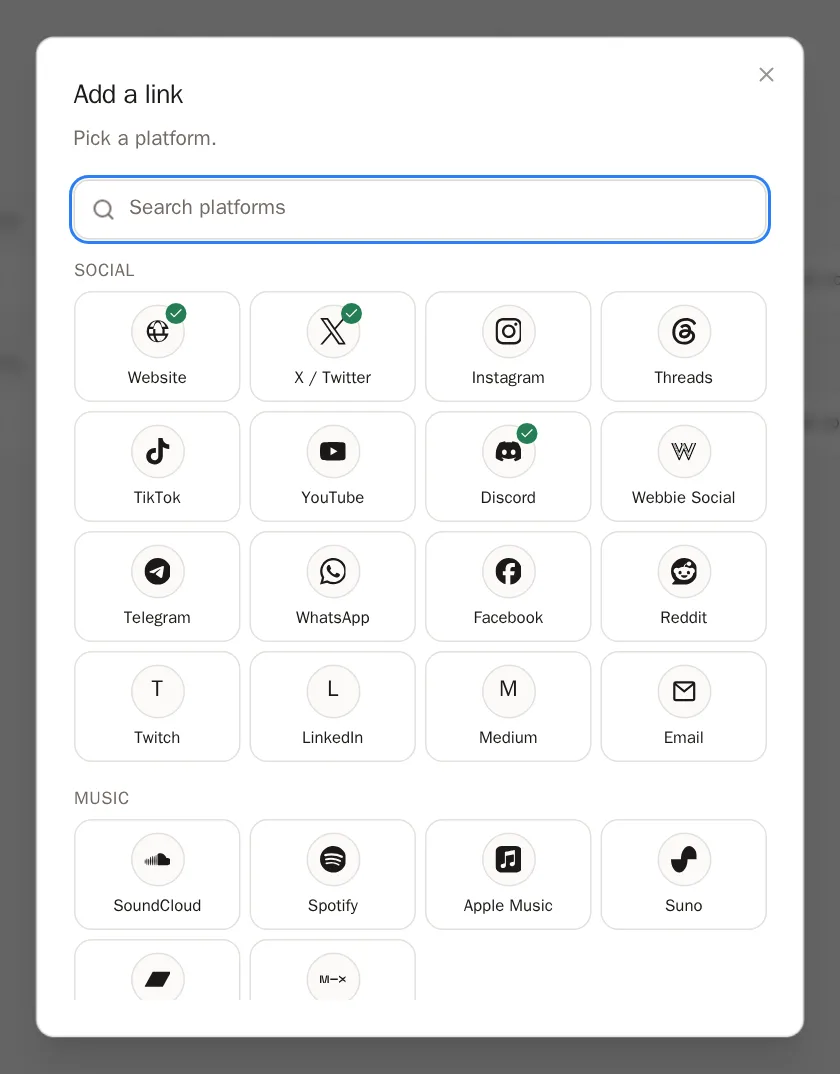
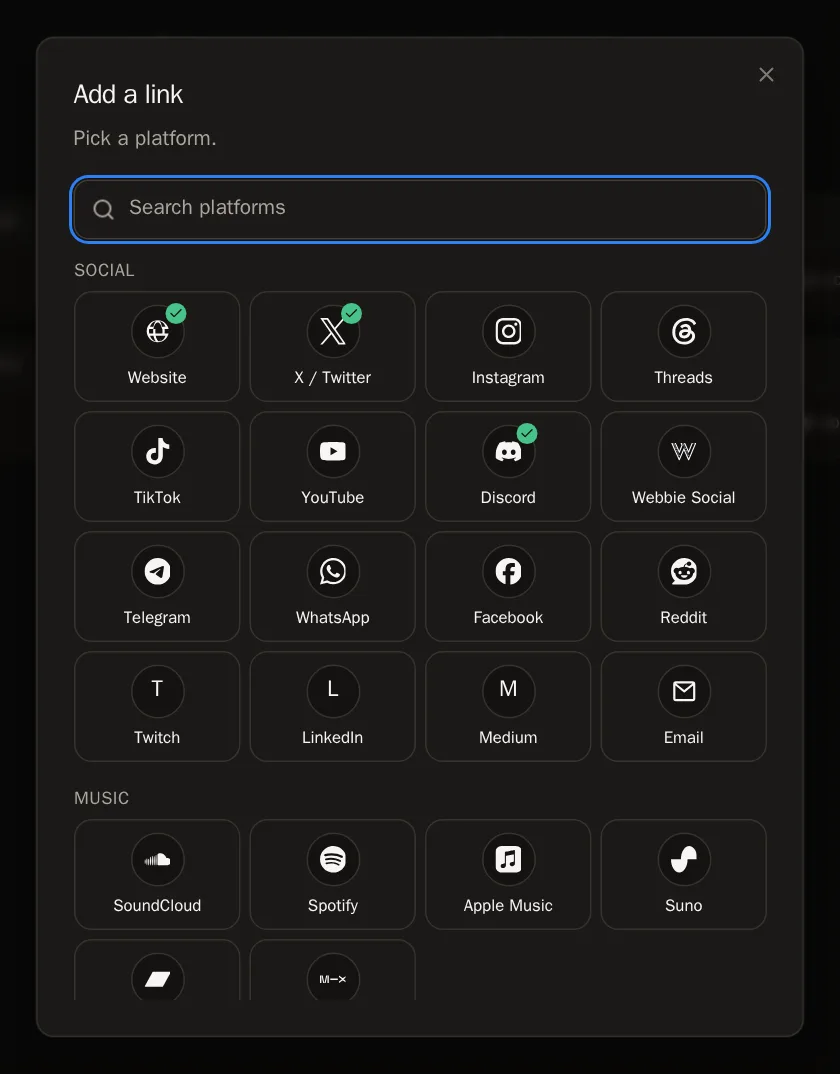 Tip Not in the list? Choose Custom link — it works for any website.
Step 3: Type your handle or paste your link
Type your username (for example yourname) or paste the whole address of your page — both work. Then press Add link.
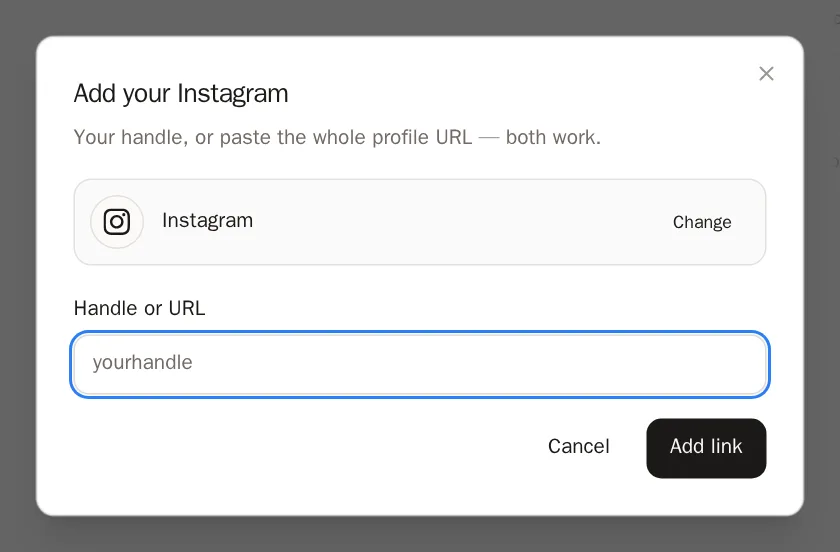
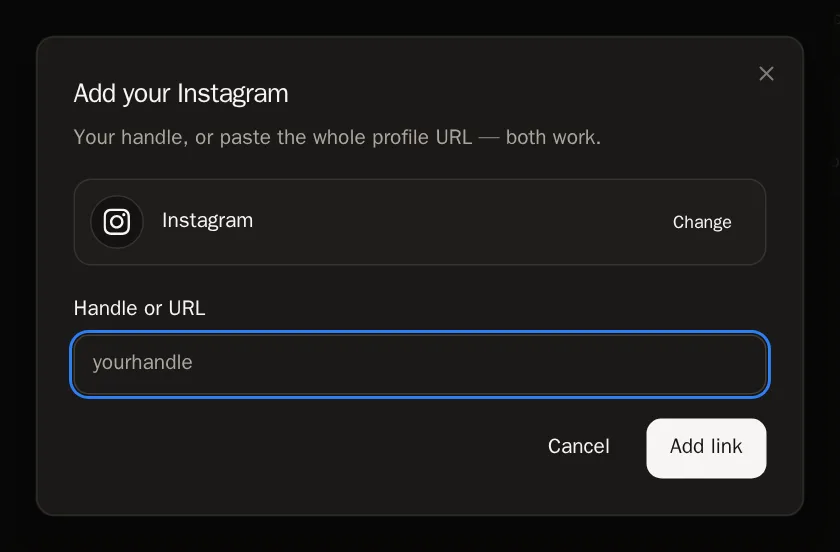 You'll know it worked when… A message says it was added, and the link appears in its group.
Tidy your links
Step 4: Change the order
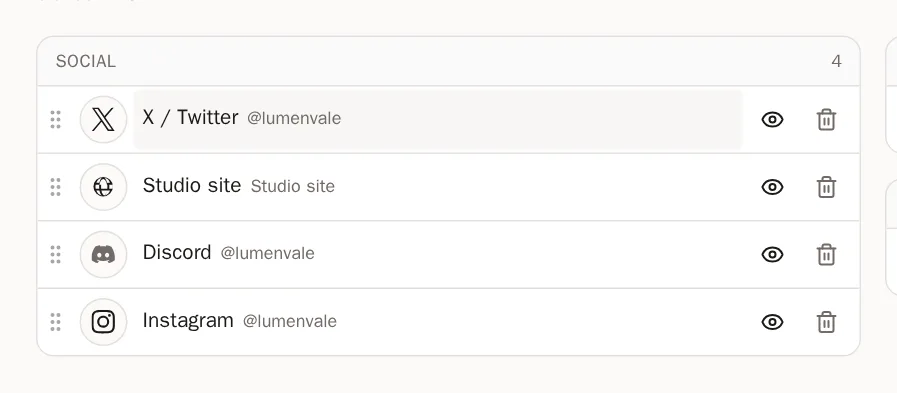
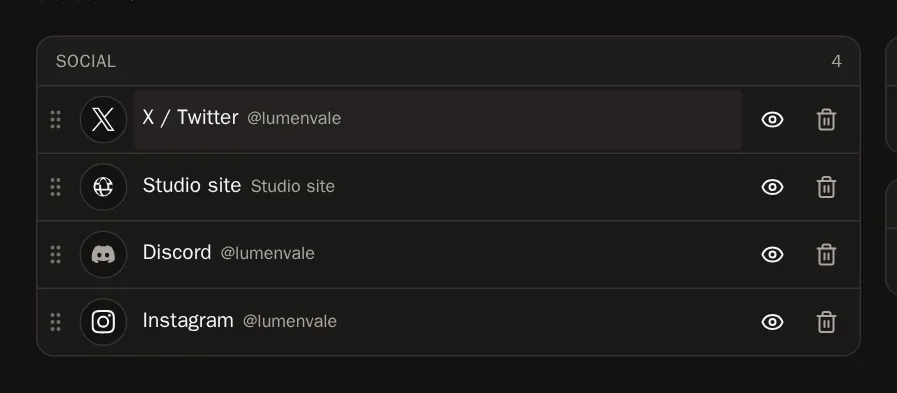
Hold the dotted handle on the left of a link and drag it up or down. It saves by itself. Links stay inside their group — a group always comes from the platform.
Step 5: Rename or fix a link
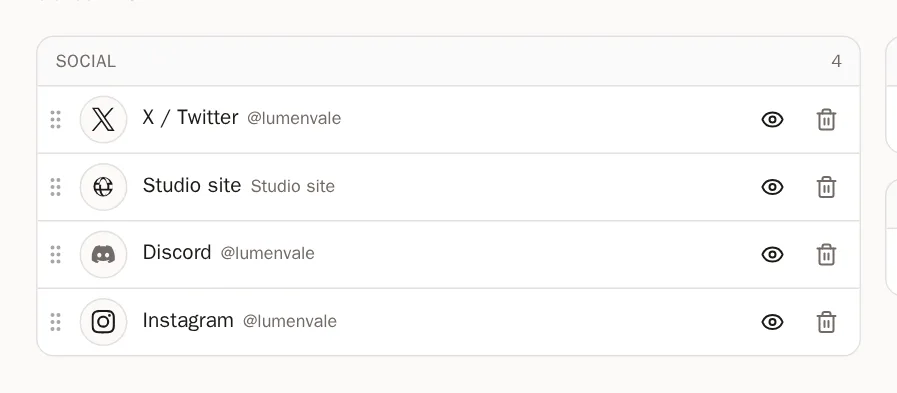
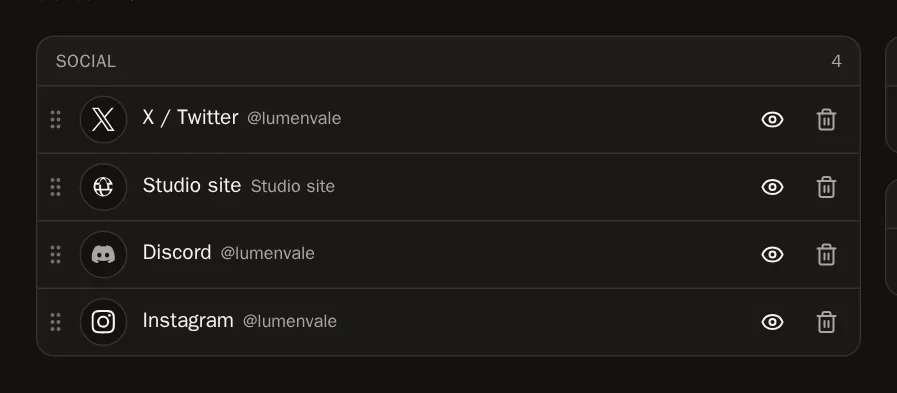
Press the link's name. Change the name (for example My Tezos shop instead of objkt) or fix the handle, then press the tick to save.
 Tip Naming links helps when you have two on the same platform, like two objkt profiles.
Step 6: Hide or delete a link
Press the eye to hide a link from your page without deleting it — press it again to show it. Press the bin to delete it.
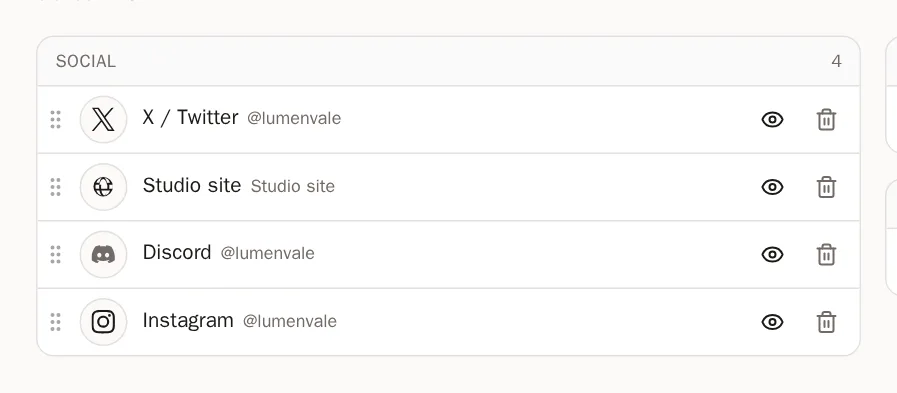
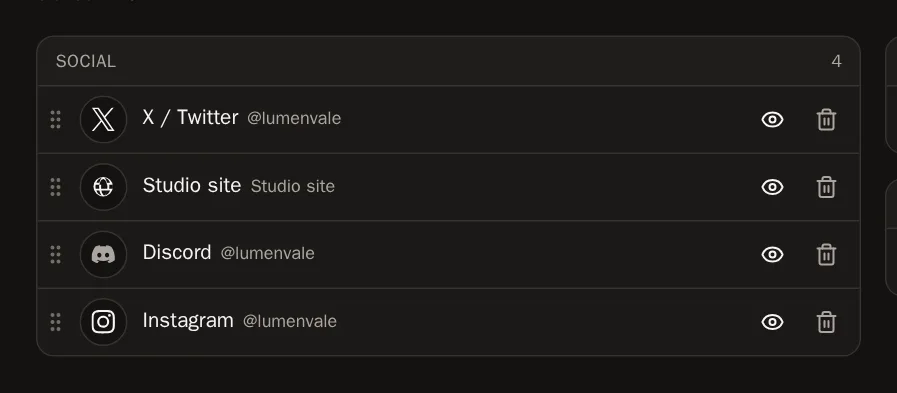 Careful The bin deletes the link straight away, with no "are you sure?" — but you can always add it again.
How they look on your page
Step 7: Choose the style
Your links can sit in labelled groups, on one scrolling line, in a column beside your work, and more. Choose in the Profile Designer.
Step 8: Marketplace links from your wallets
Connected a wallet? Open it on the Wallets page and press + next to a marketplace under Your profile on marketplaces to add your shop in one press.
Questions people ask
Discord has no profile page — can I still add it?
Yes. Add your Discord username. On your page, pressing the Discord icon copies your username so people can find you.
How many links can I add?
Up to 50.