

Every wallet you connect can also show what it has collected — the art you bought or were given by other artists. You can browse it, look up each piece, and hide the junk tokens that turn up uninvited.
Collected art never appears among your work on your page. It's for you — and for showing on your gallery screens.
About 3 minutes
Before you start
- A connected wallet and a confirmed email address.
Bring in your collection
Step 1: Open Collected works
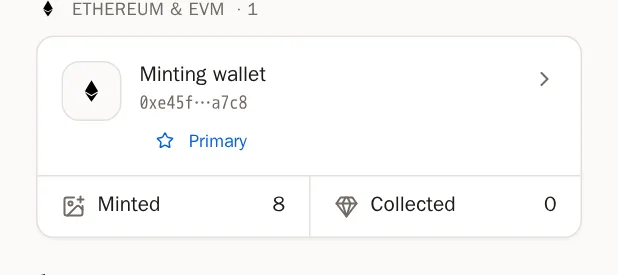
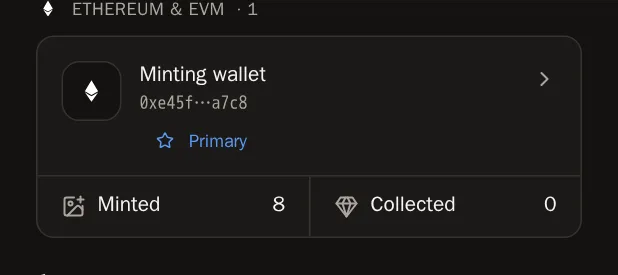
Go to Wallets in the menu. On a wallet's card, press Collected.
Step 2: Press Sync this wallet
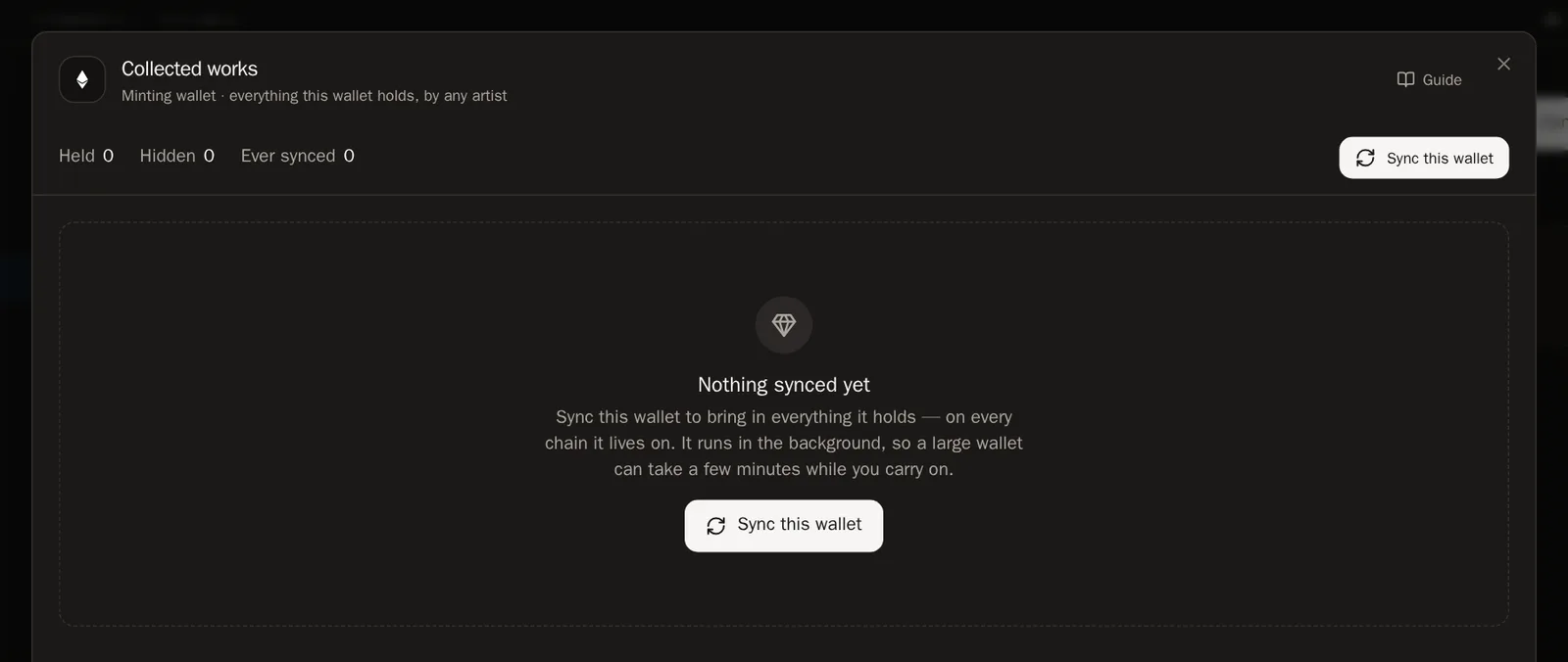
Press Sync this wallet. SolPersona reads everything the wallet holds, on every chain it lives on. It works in the background — you can close the window and carry on.
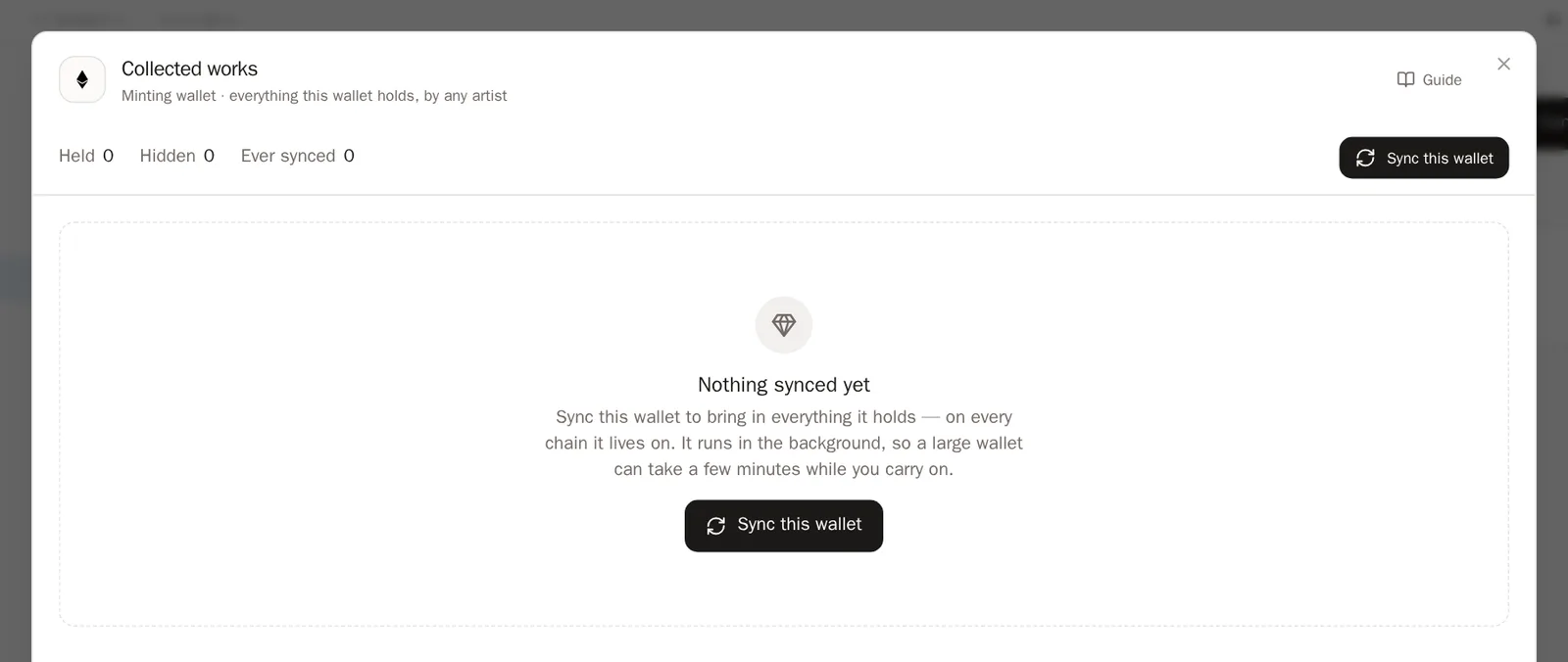
 You'll know it worked when… A line shows the progress, then a message like Synced: 240 held, 240 new.
Step 3: Bought something new?
Press Sync again any time. It only takes a moment, because only what changed is updated.
Tip Pieces you have sold are marked sold rather than removed, so your collecting history stays complete.
Browse your collection
Step 4: Search
Type an artist's name, a title or a drop name into the search box. Use the All, Visible and Hidden buttons to choose what's shown.
Step 5: Look at a piece
Press a piece to open its details: who made it, when you collected it, and what you paid, where the chain records it.
Hide spam
Wallets often receive junk tokens — "claim your reward" airdrops with links in the name. You can hide them in a few presses.
Step 6: Hide one piece
Point at a piece and press the eye button, Hide this piece. It stays in your collection, dimmed. Press it again to show it.
Step 7: Find spam automatically
Press Find spam. SolPersona looks through your collection and lists what looks like spam, with the reasons in words.
- Likely spam starts ticked. Untick anything you want to keep.
- Possibly spam starts unticked. Tick anything that's junk.
- Want to catch something specific? Type extra words, then press Scan again.
- Press Hide selected.
You'll know it worked when… A message says how many pieces were hidden. Nothing is deleted — hidden pieces can be shown again from their tile.
Questions people ask
Do visitors see my collection?
Not on your artist page — that shows only your own work. Hidden pieces are never shared with other sites or apps.
A wallet says "Nothing collected here" and I can't sync it
That wallet was added by a marketplace and not verified by you. Connect it on the Wallets page and sign — then you can sync it.